
01Ideation & Scripting
Single videos consume too many hours
From outlining scripts and recording voiceovers to trimming lines and synchronizing subtitles, every video takes away valuable productive hours.
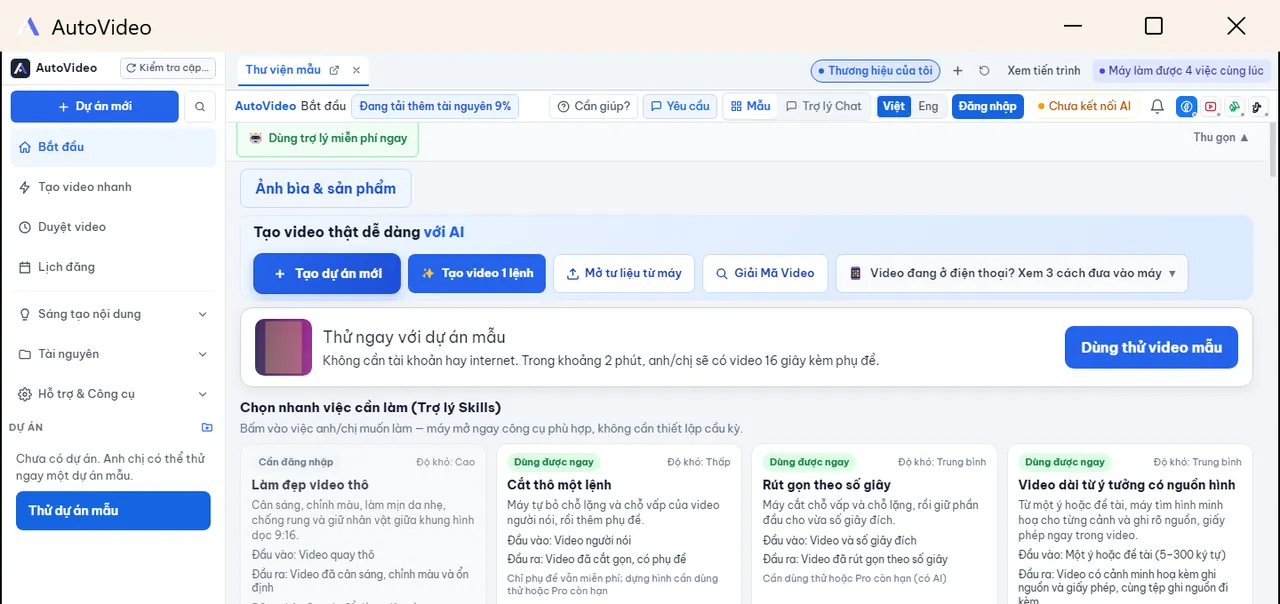
AutoVideo Desktop · Version 0.5.31 · Windows 10/11 & macOS Apple Silicon
Produce vertical 9:16 short videos from raw ideas and footage, auto-align clear subtitles, and streamline multi-channel publishing on your desktop.
Import your creative ideas and media assets into AutoVideo to generate polished 9:16 vertical videos automatically. Minimize tedious manual editing and keep a consistent publishing rhythm across major social platforms.
Common Video Creation Challenges
Do not let repetitive cutting, splicing, and technical chores exhaust your creative inspiration.
From outlining scripts and recording voiceovers to trimming lines and synchronizing subtitles, every video takes away valuable productive hours.
You have compelling recordings but navigating complex timeline editors requires tedious frame-by-frame adjustments and keyframing.
The relentless demand to distribute videos every day across multiple channels quickly leads to burnout without an automated pipeline.
You focus entirely on ideas and storytelling. AutoVideo reliably handles the rest of the technical pipeline.
Core Capabilities
From precision editing and audio refinement to multi-channel queueing, AutoVideo connects daily video tasks into one seamless desktop flow.
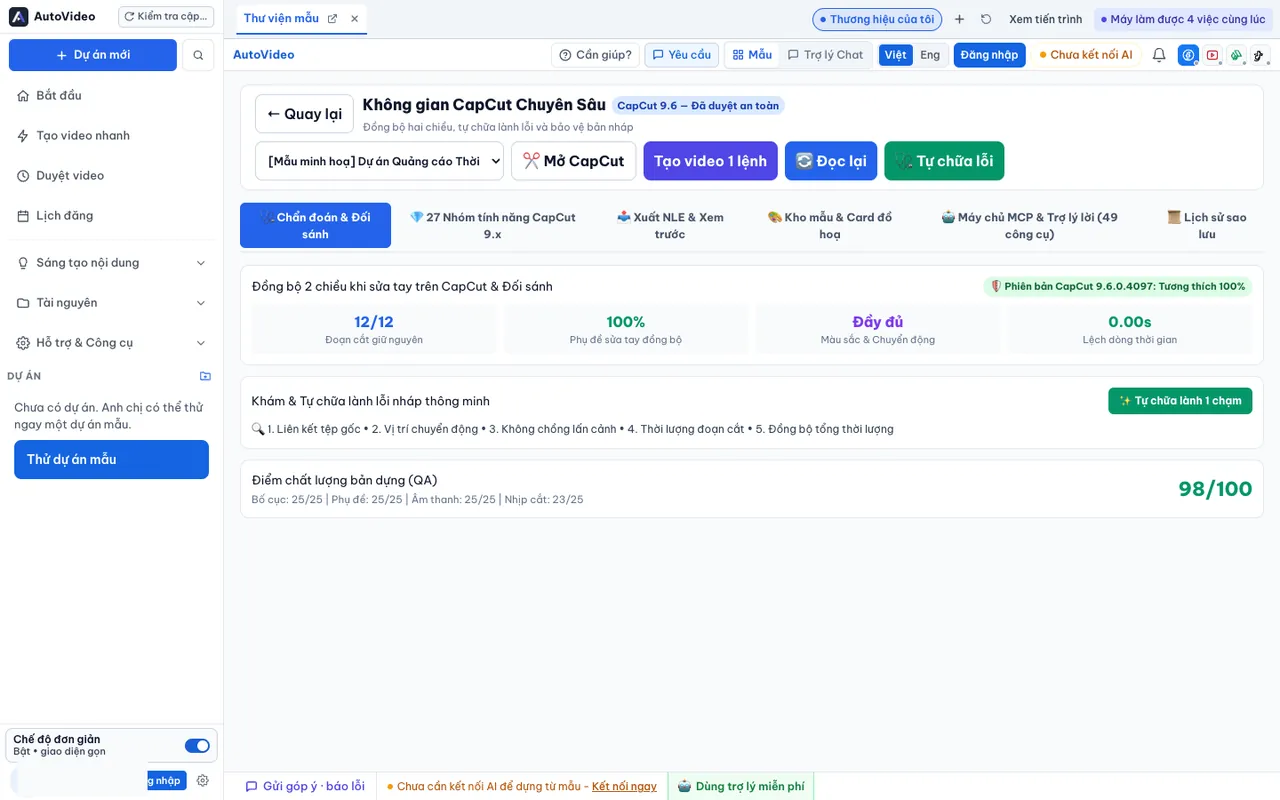
01 / Video Editing
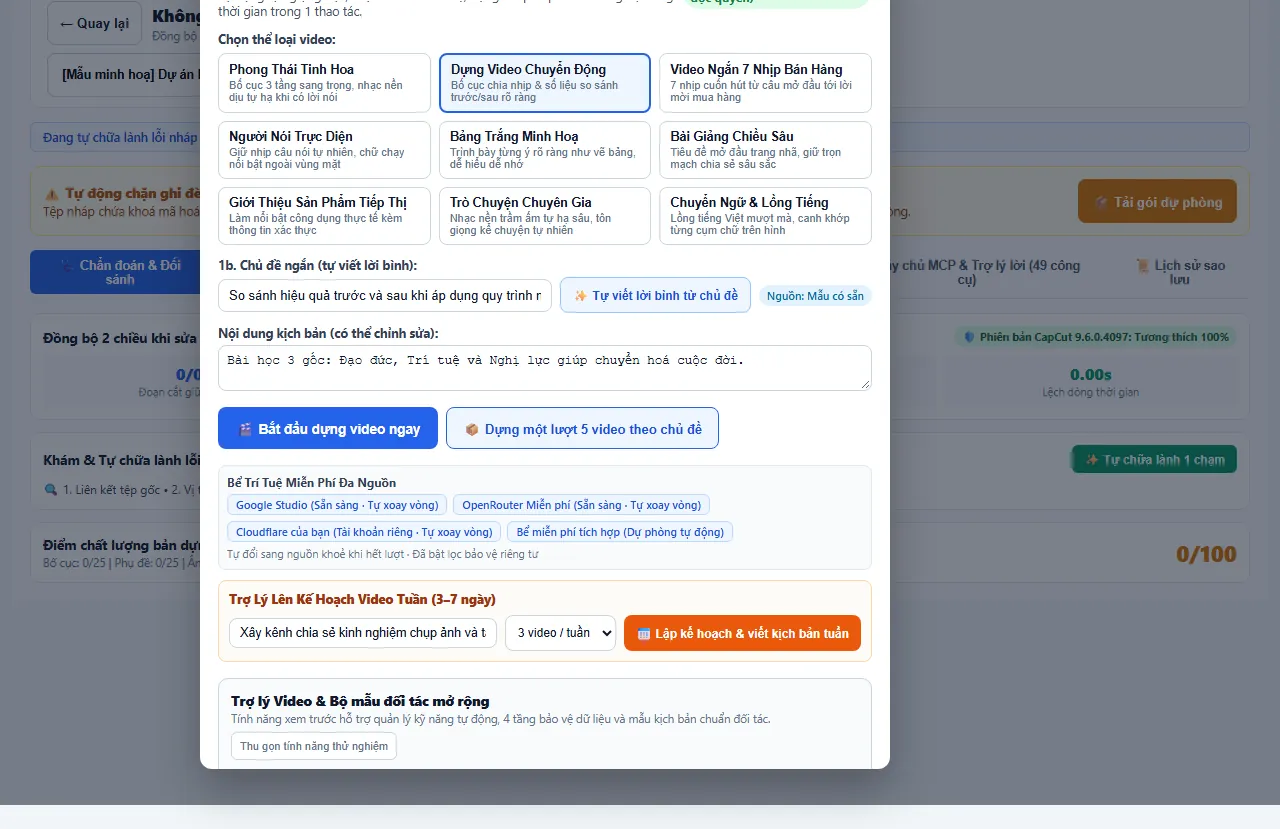
Dramatically slash the time spent weeding out dead pauses and stumbling words. Deliver tight, engaging pacing that retains viewer attention without manual timeline scrubbing.
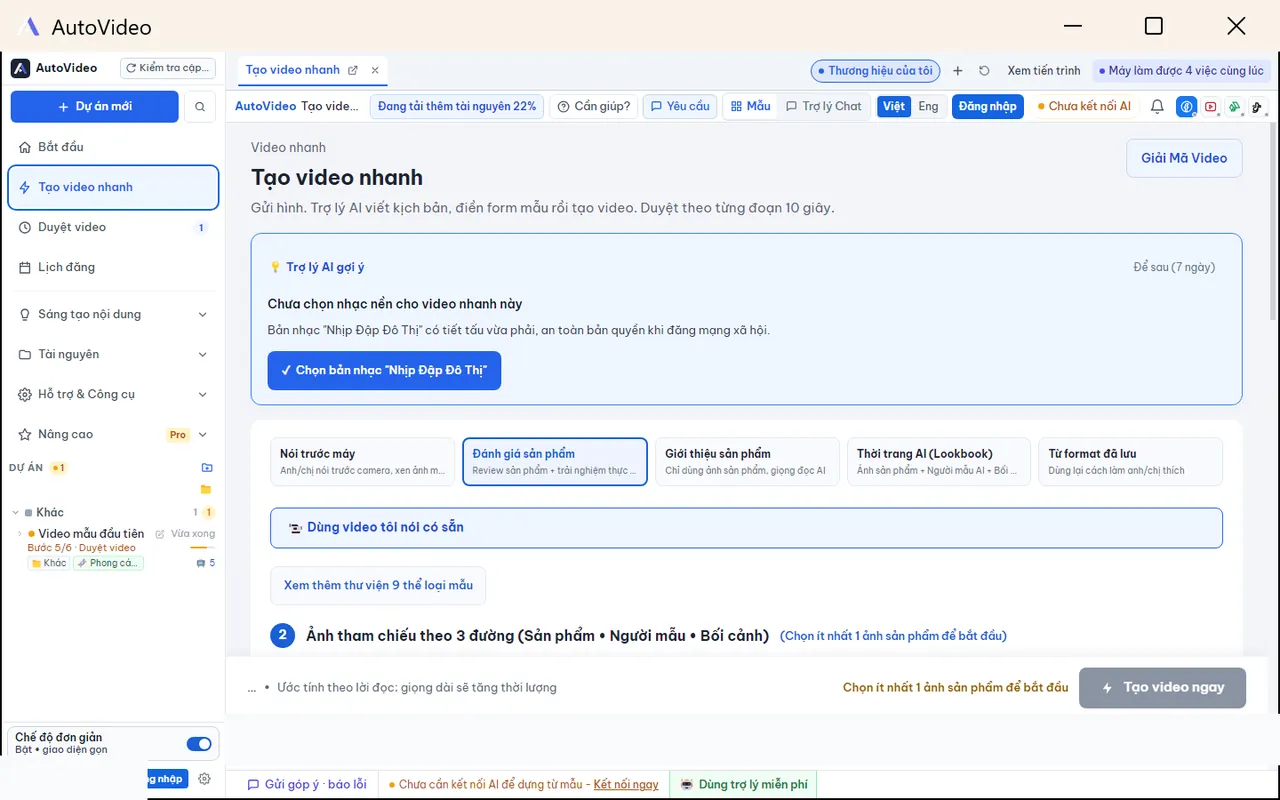
02 / Voice & Soundtrack
Pick the ideal narrative voice and musical atmosphere tailored to your topic, creating an immersive, authentic auditory experience for your audience.
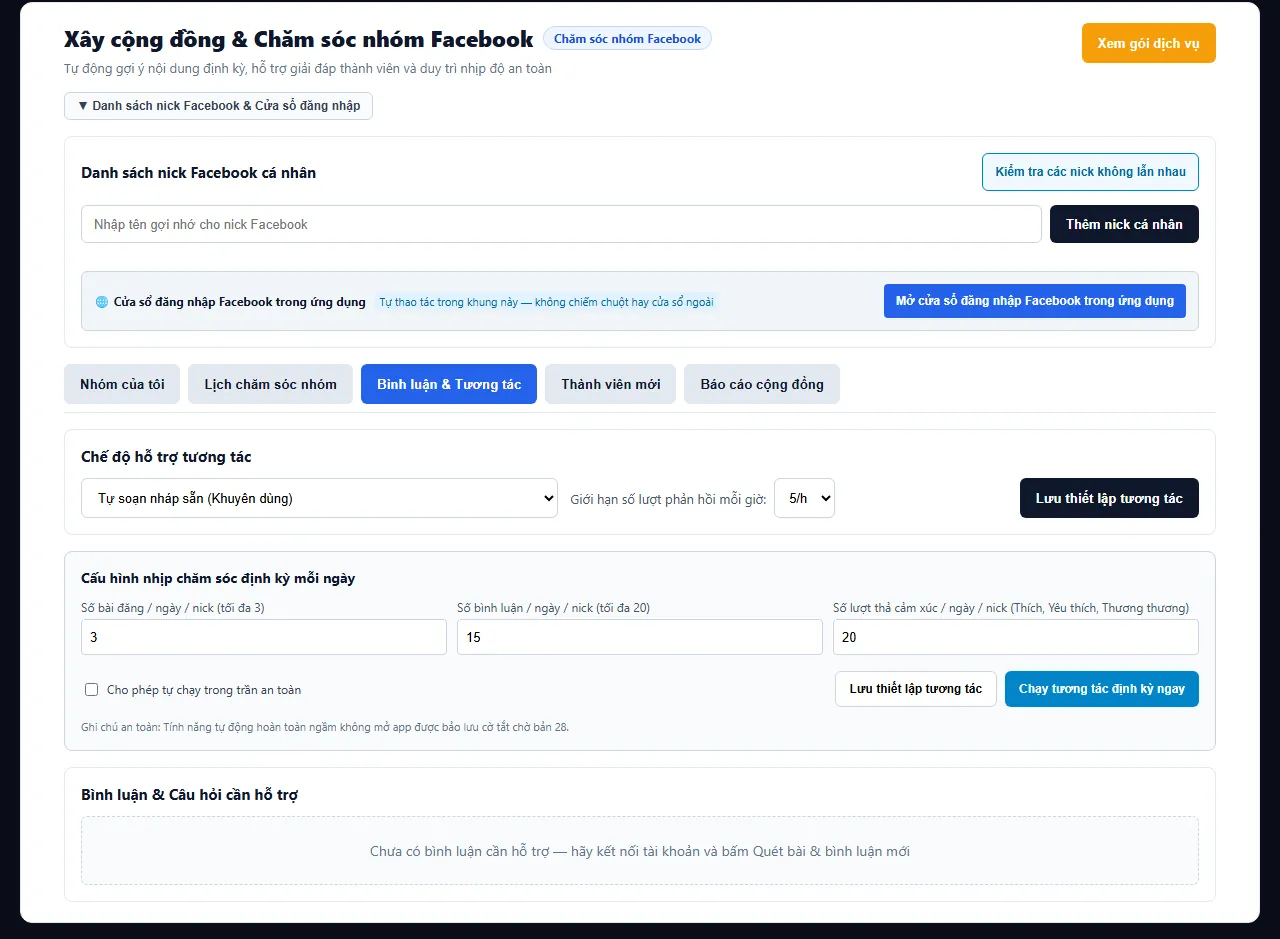
03 / Multi-Channel Distribution
Plan and queue an entire week of video releases in one single session, freeing you from manual alarms and repetitive uploads throughout the day.
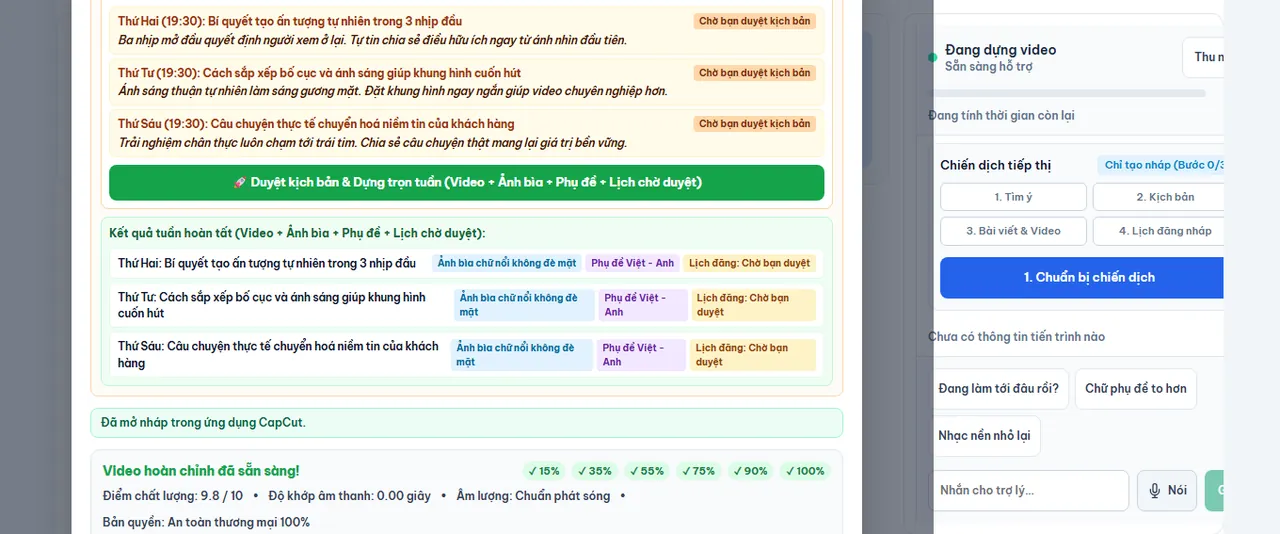
04 / Standardized Delivery
Export high-definition MP4 videos ready for immediate distribution, or send the complete timeline directly to CapCut desktop for deeper creative polish.
Streamlined 3-Step Workflow
Feed in your ideas and footage, review the visual timeline, and export or queue directly across your active channels.
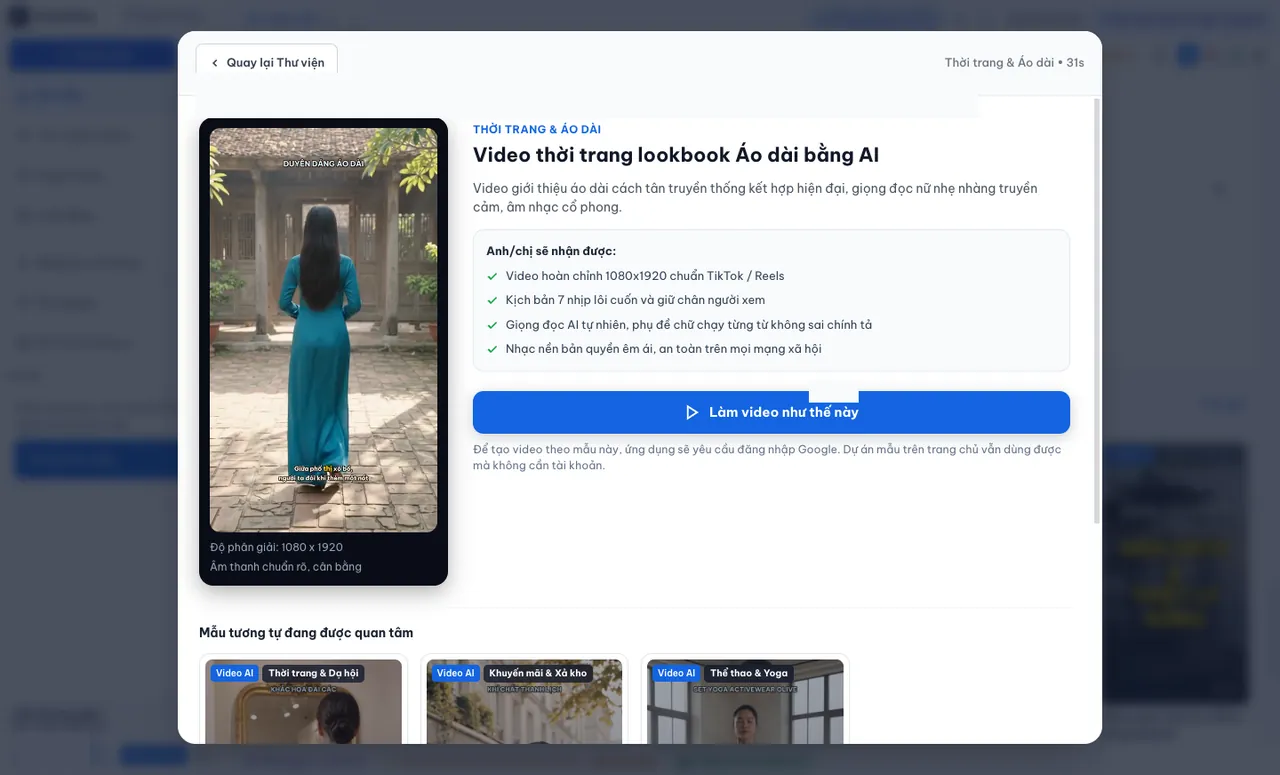
Enter your creative topic, or pick existing raw video takes recorded on your camera or phone.
The app drafts scripts, narrates, trims pauses, and styles subtitles according to your selected template.
Verify quality across 12 frame previews, render crisp MP4 outputs, or set up automated publishing queues.
Highlights & Innovations
Explore breakthrough capabilities engineered to accelerate video output and simplify multi-channel administration.
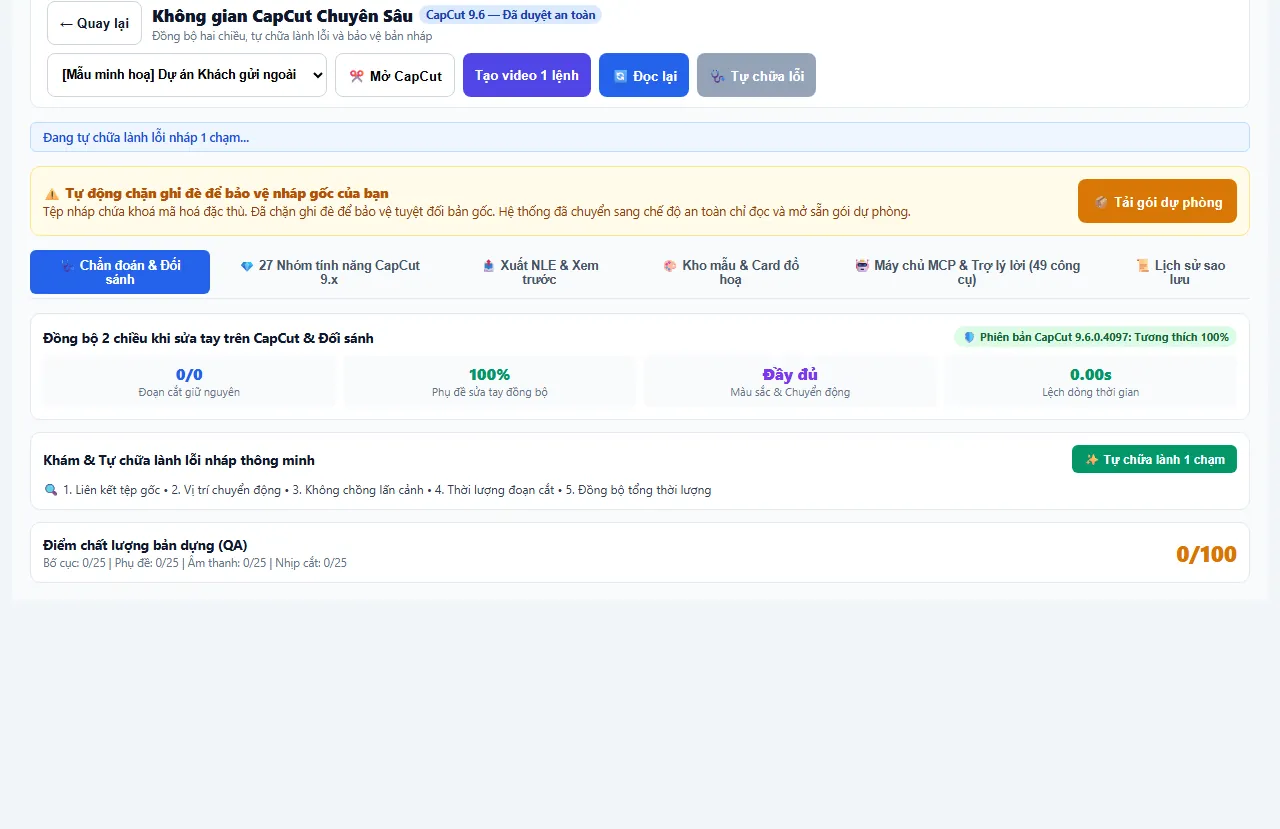
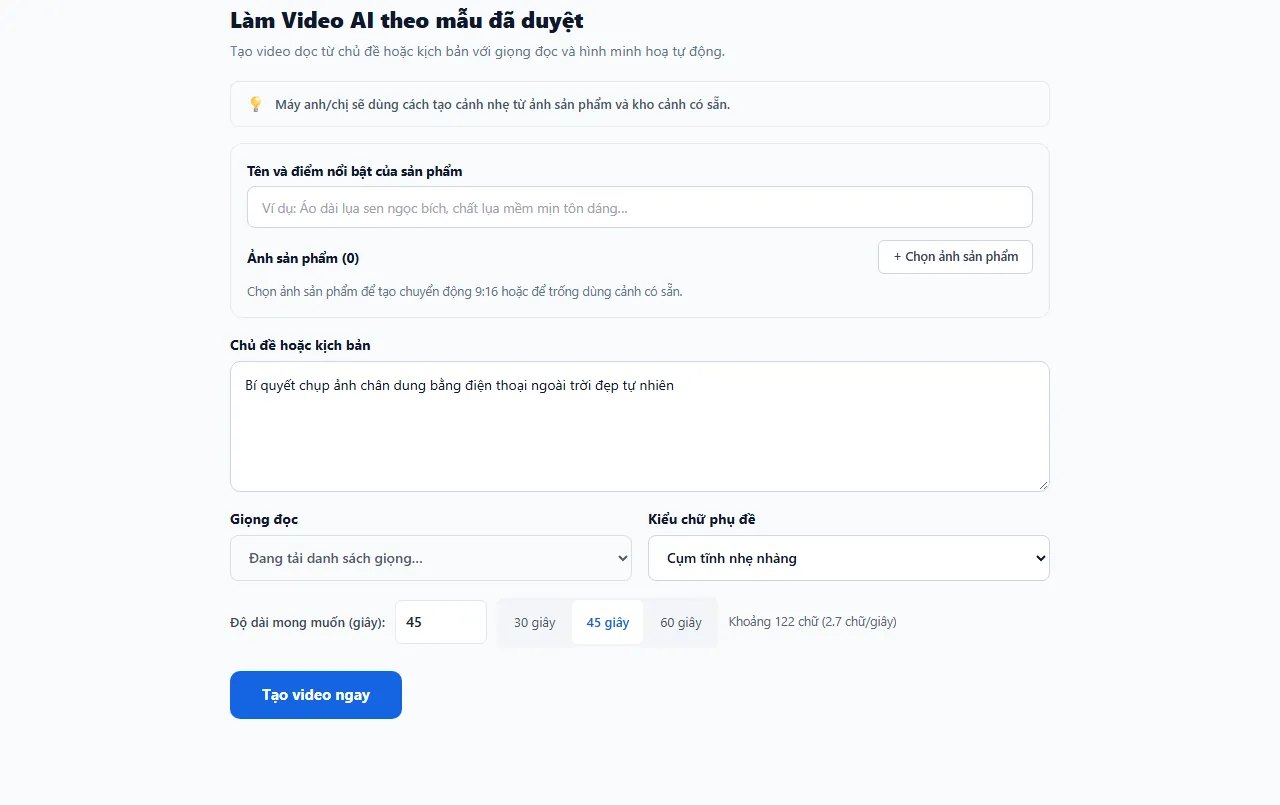
Enter any topic or concept: AutoVideo structures the script, voices the narration, scores background tracks, trims pauses, and prepares 12 review frames before handing off to CapCut.
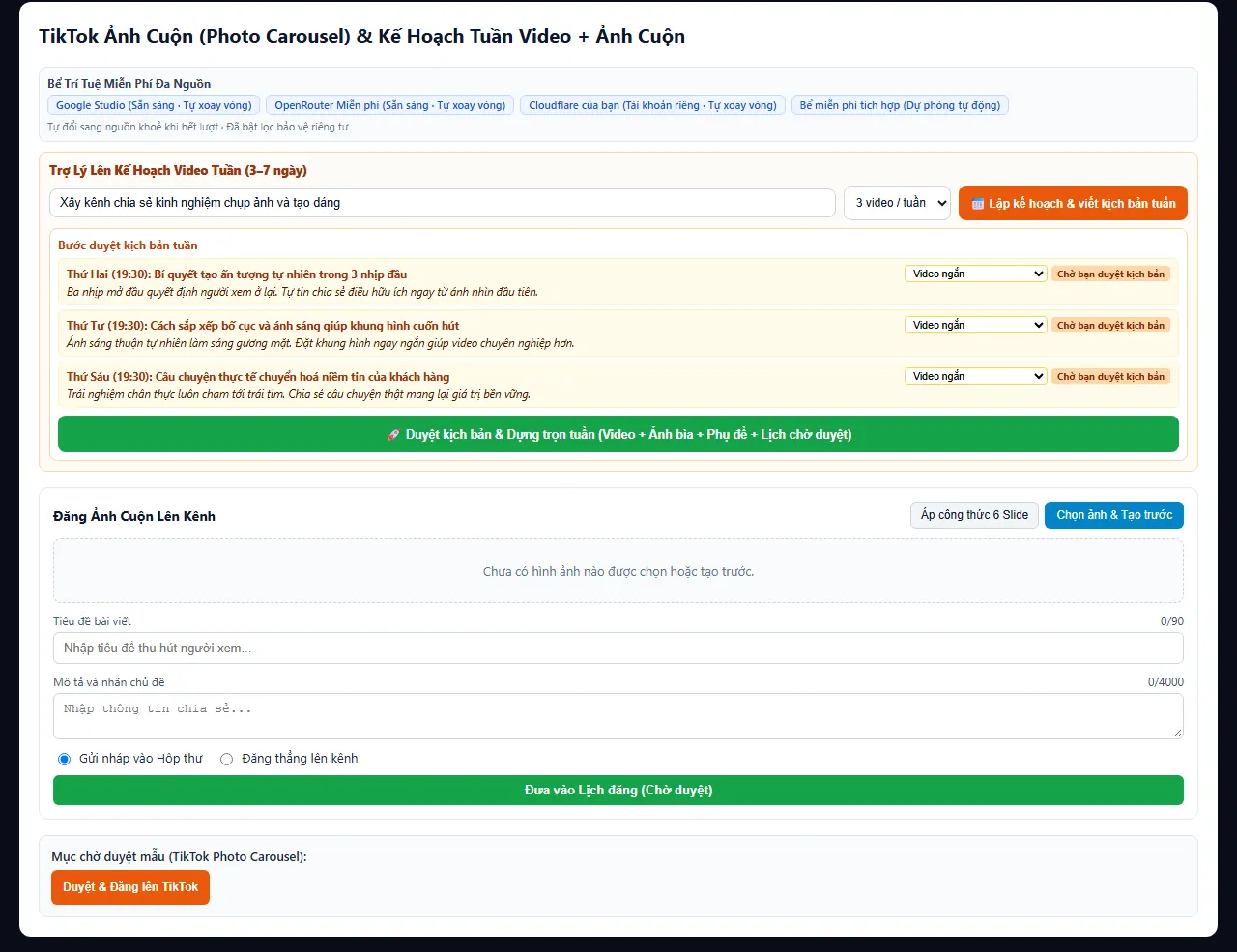
Automatically typeset high-res 9:16 image carousels with magnetic headlines and structure a complete 7-day multi-platform schedule in one click.
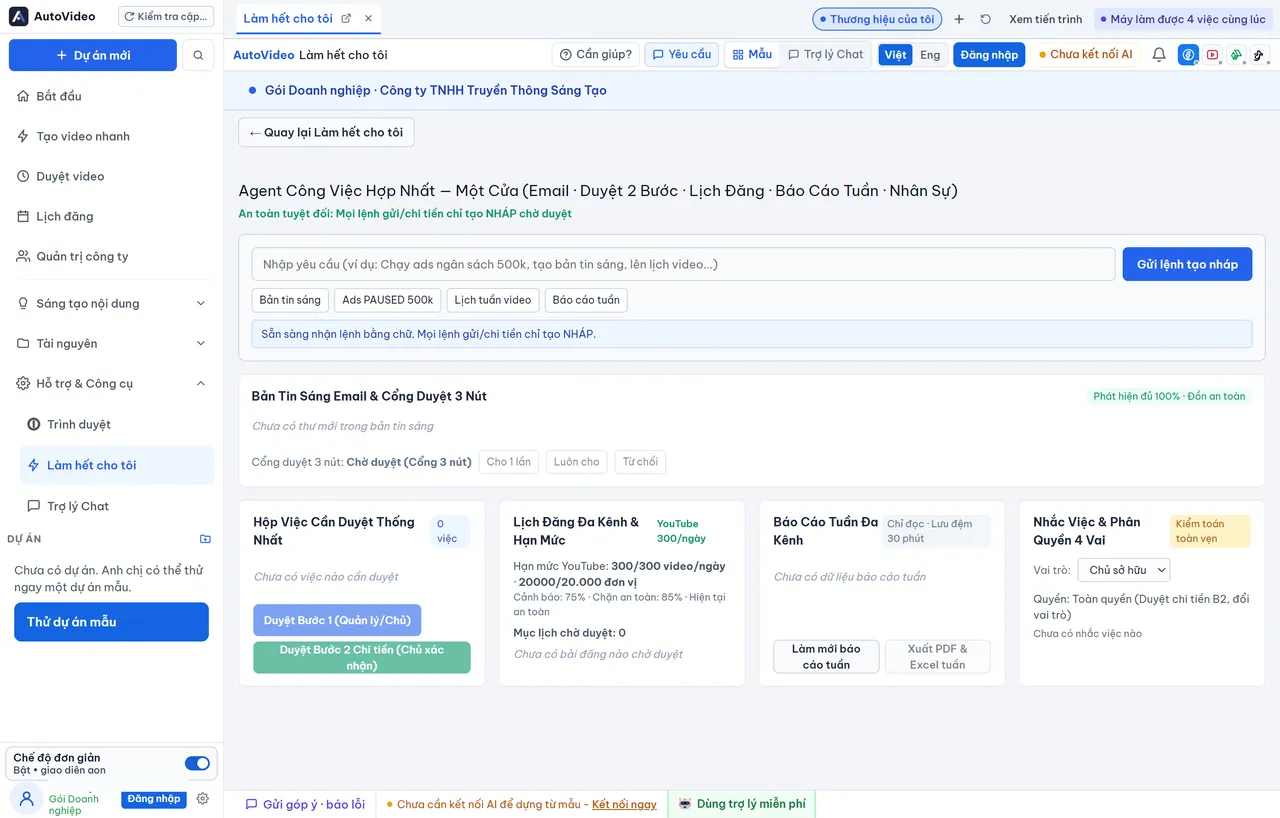
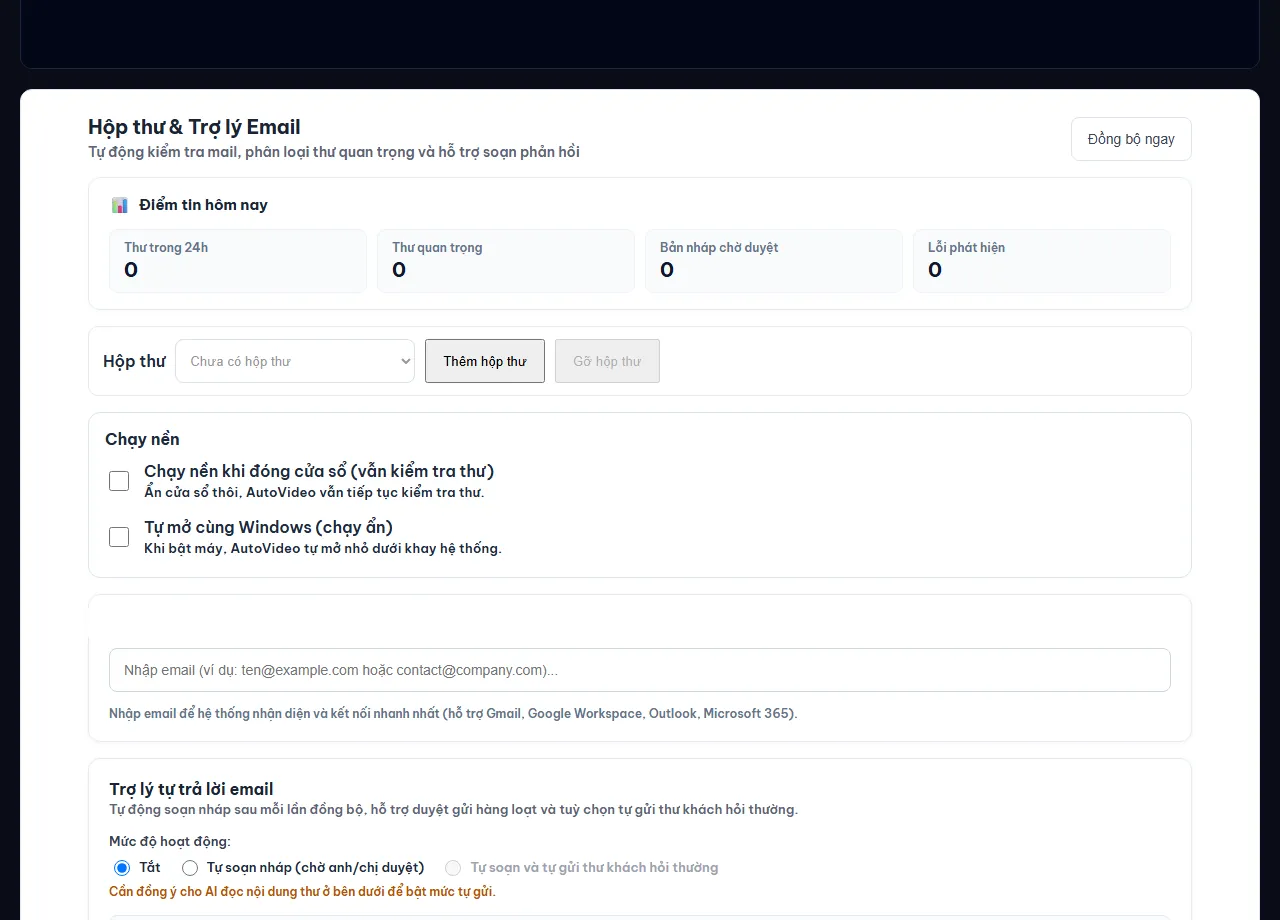
Summarizes morning updates from customer emails, channels pending actions through a 3-button gate (Allow once · Always allow · Reject), and compiles weekly summaries.
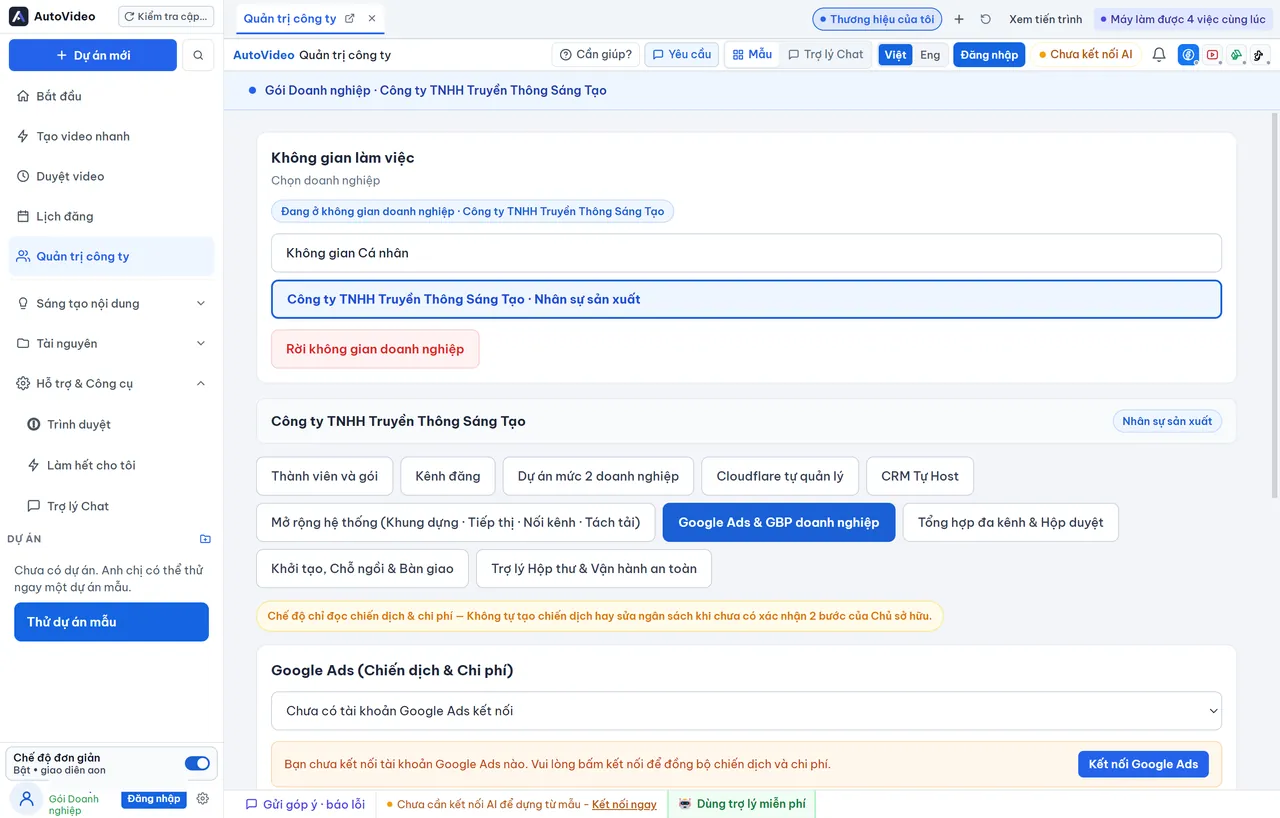
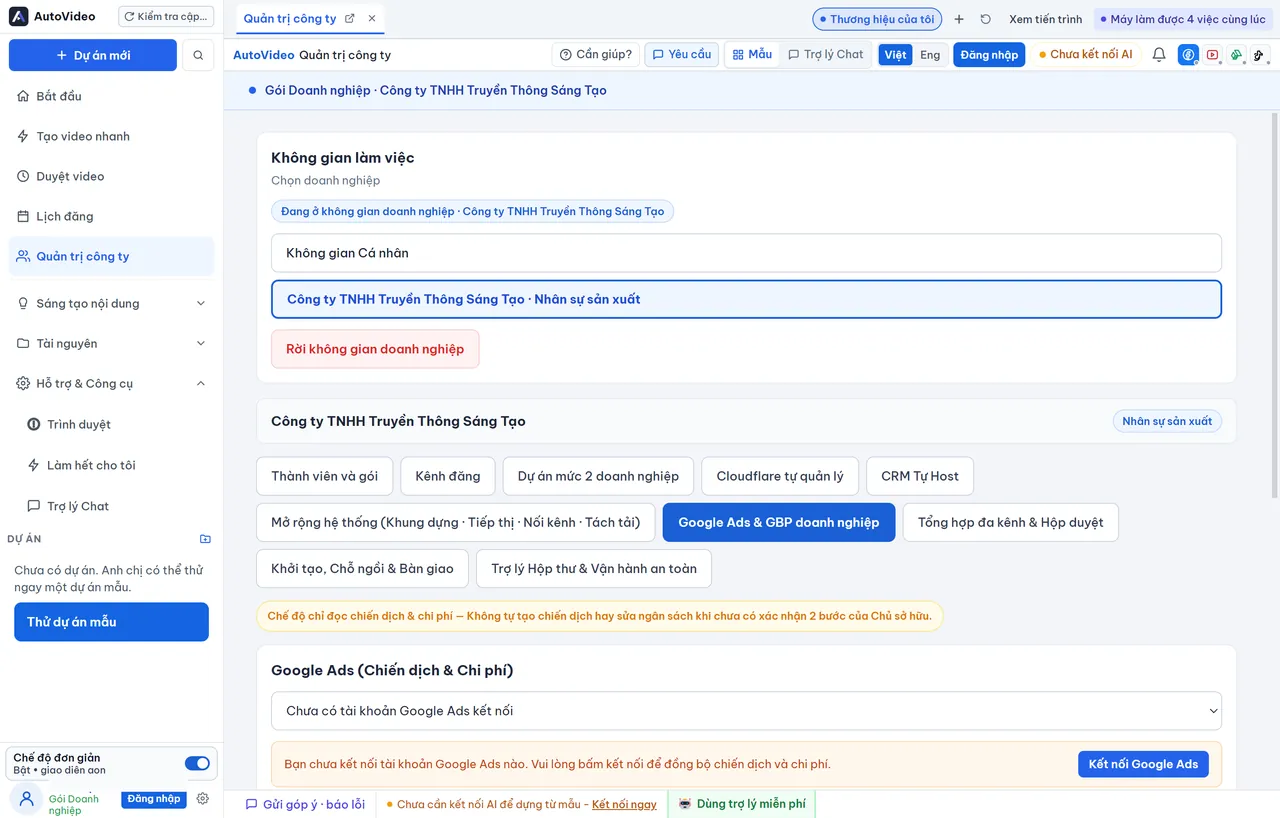
Track search appearances, incoming calls, and website visits from Google Maps alongside campaign metrics in a read-only secure mode with 2-step budget confirmations.
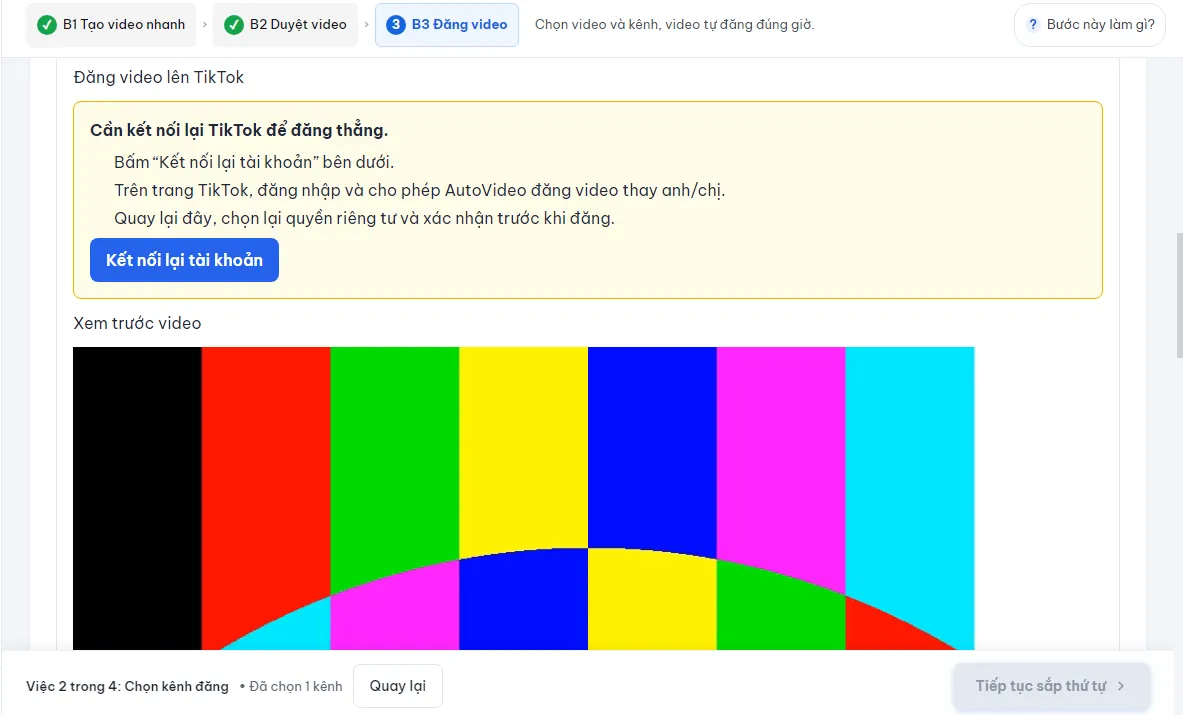
Connect multiple TikTok accounts, adjust privacy settings, and schedule or release finished video assets without tedious manual file transfers.
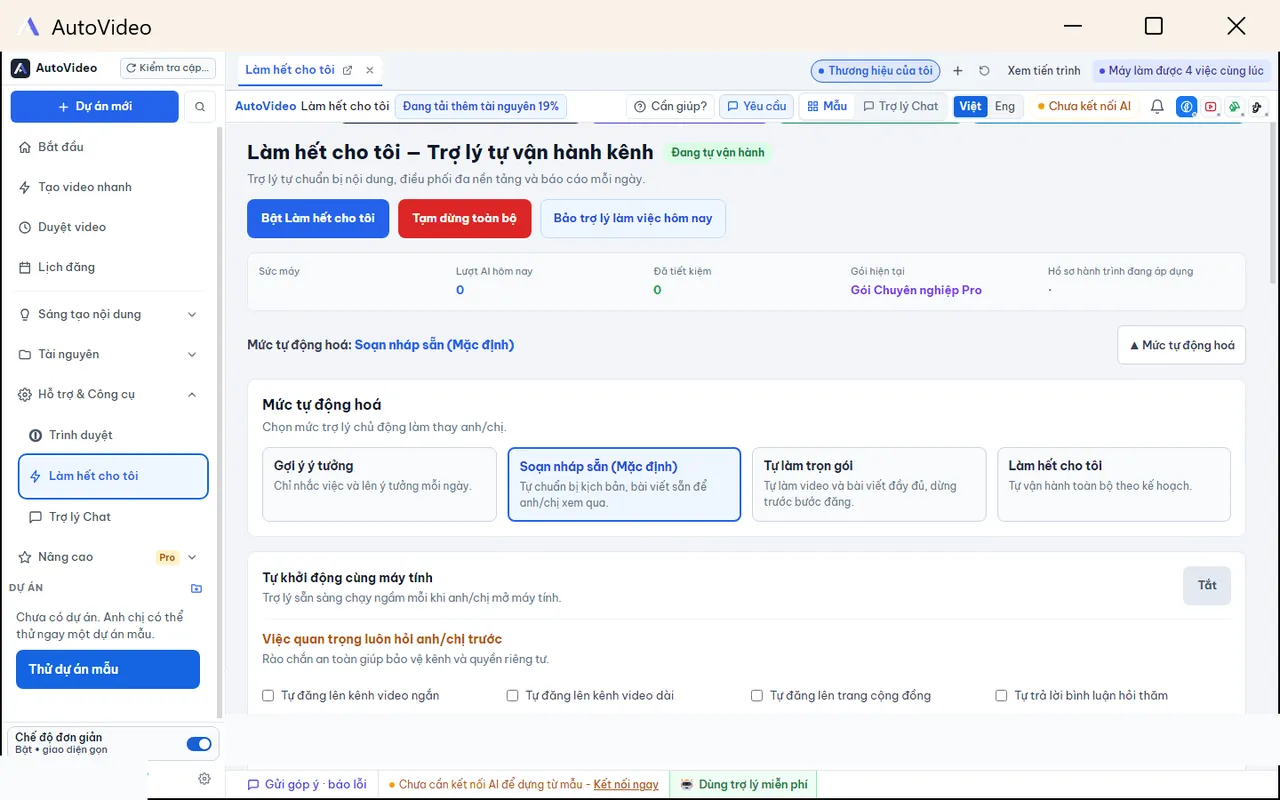
Delegate recurring video generation: the assistant drafts scripts, renders candidate cuts, and prepares posting queues while you retain ultimate approval authority.
The initial installer remains lightweight for swift setup; download additional expressive voice models, commercial music packs, and stylistic presets on demand inside the app.
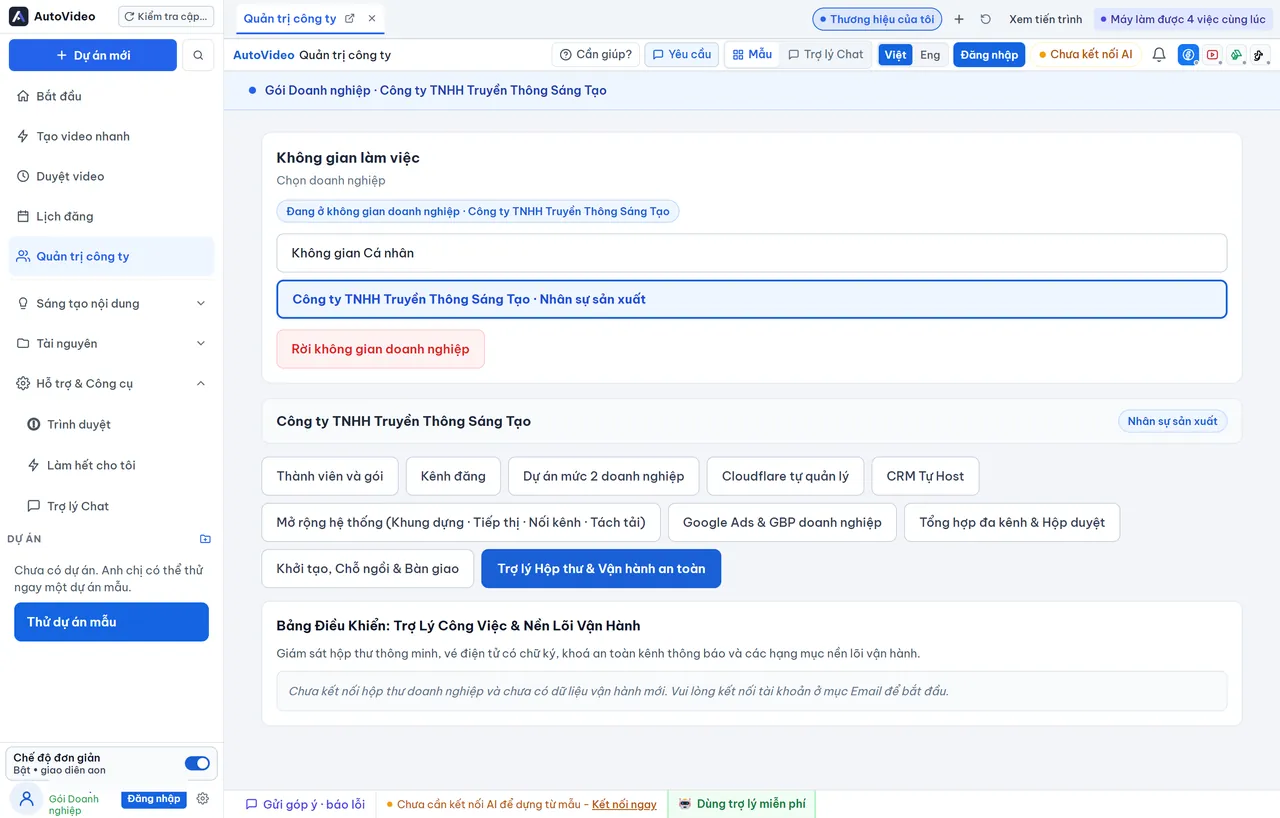
Triage priority correspondence, suggest customer reply drafts, and manage Facebook group publication cadences securely aligned with brand guidelines.
Enterprise Workspace
Establish a cohesive workflow where multiple teammates script, edit, audit, and approve video releases on a unified, high-governance desktop system.
01 / Onboarding & Role-Based Governance
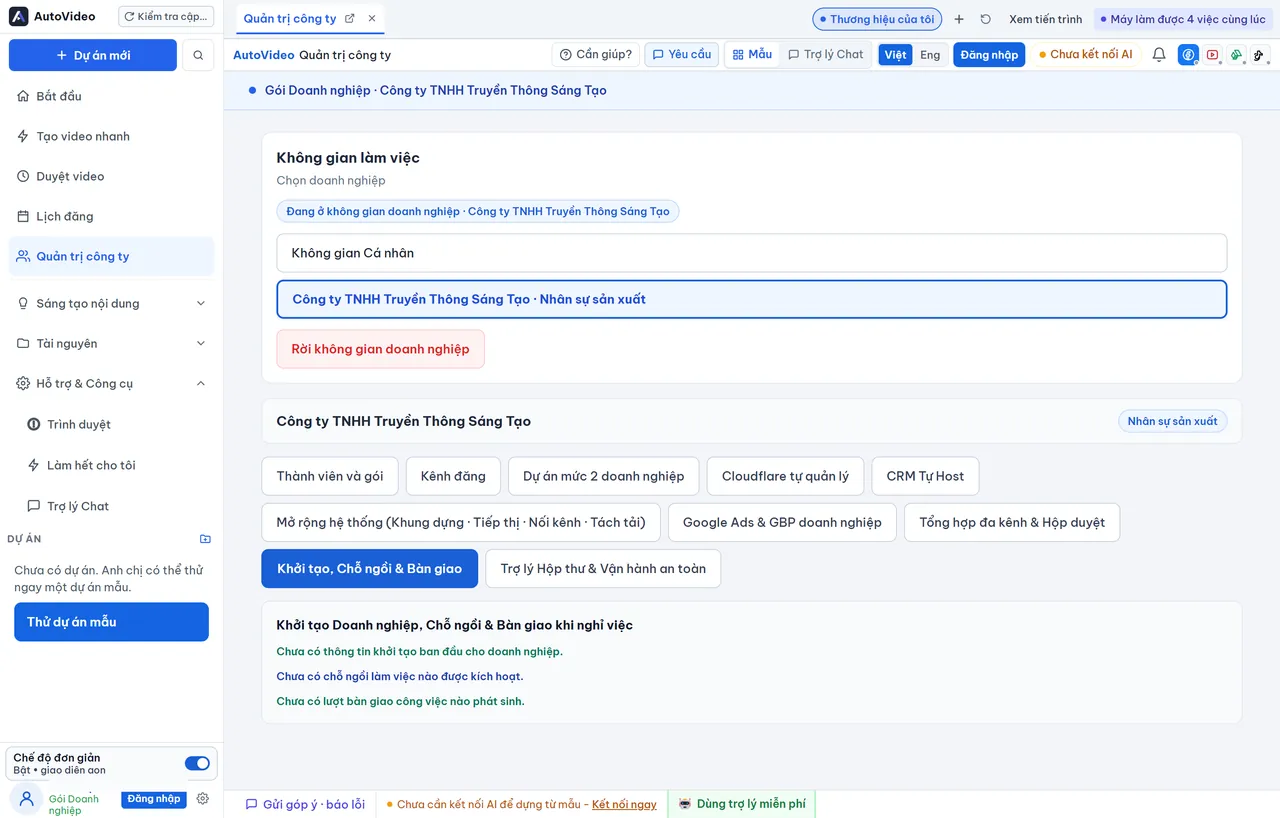
Enterprise workspace status: seat allocation, throughput limits, and verified template repositories.
02 / Telemetry & Self-Hosted Architecture
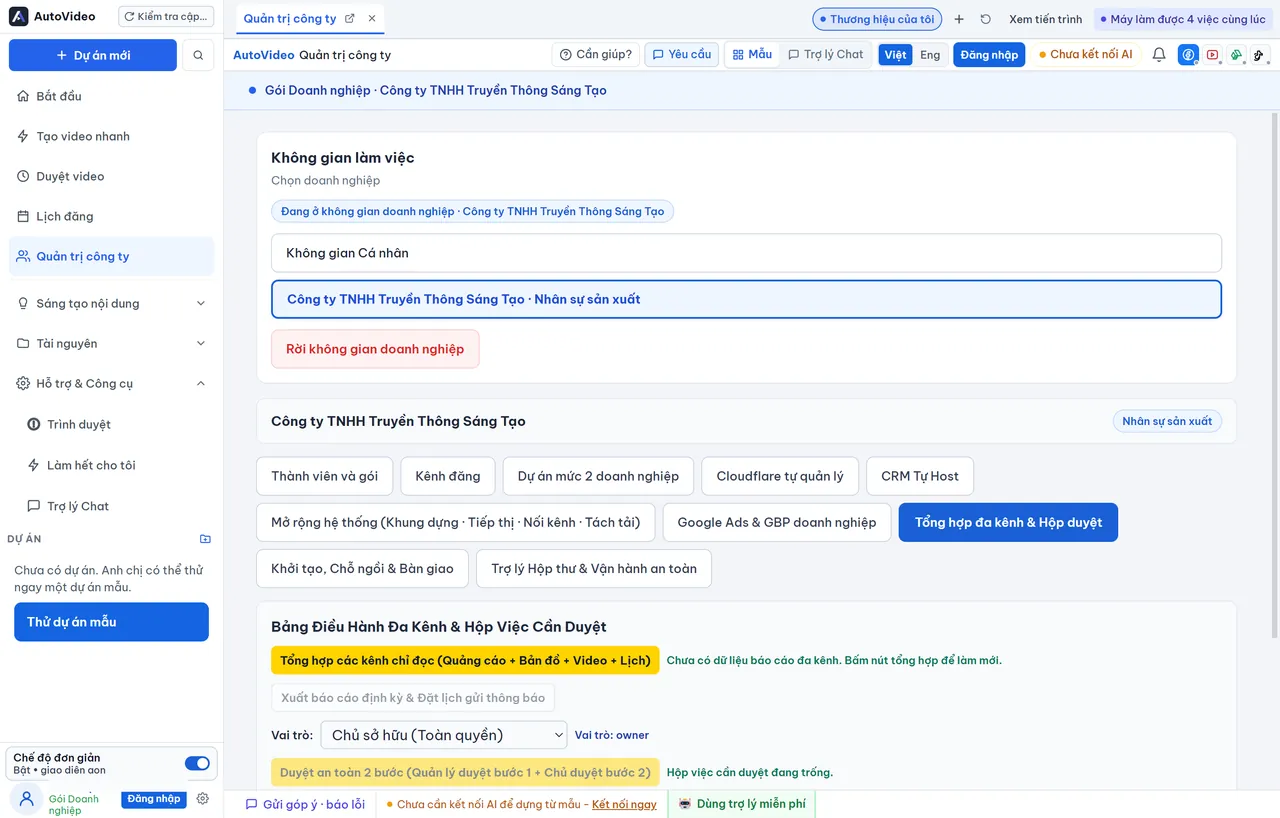
Role management panel, workstation device controls, and professional multi-channel publishing workflows.
Seat volumes, production quotas, and exclusive brand style kits are tailored to your operational scale. Connect with our solution specialists to design your optimal setup.
Dedicated onboarding assistance and direct integration guidance provided for enterprise deployments.
Easy Desktop Setup
No credit card required · No sign-up required before download · Install and explore the full suite of intelligent video creation tools on your desktop.
Frequently Asked Questions
Essential details to help you install confidently and unlock the full potential of AutoVideo.
You can download the software directly without entering credit card information or registering beforehand. After opening the app, you can immediately test the included sample projects. To unlock your full 7-day free trial with all intelligent capabilities, simply complete a 1-click Google login directly in the application.
For Windows: A 64-bit installation of Windows 10 or Windows 11, at least 8 GB of RAM, and a minimum of 5 GB free disk space. For macOS: Optimized for Apple Silicon Macs (M1, M2, M3, M4) running macOS 12 (Monterey) or newer.
All video footage, audio cuts, generated scripts, and project databases remain stored locally on your desktop drive. AutoVideo never retains social media passwords; authentication tokens are securely encrypted using standard desktop keystore mechanisms.
A paid subscription is not required. AutoVideo automatically inspects your CapCut setup and strips out paid premium effects, ensuring your exported drafts load and render cleanly even on free accounts.
Operating systems commonly show a precautionary prompt for newly released standalone desktop software. On Windows, click "More info" and select "Run anyway" (see details in the Windows Guide). On macOS, visit System Settings > Privacy & Security and click "Open Anyway" (see details in the macOS Guide).
Our support team is ready to assist you via Zalo at 0915.849.968, the Facebook page at SamNguyen.vn, the AutoVideo community group, or by email at tuvan@samnguyenphoto.com.